How to Set Up QwevoTv on a Samsung or LG Smart TV
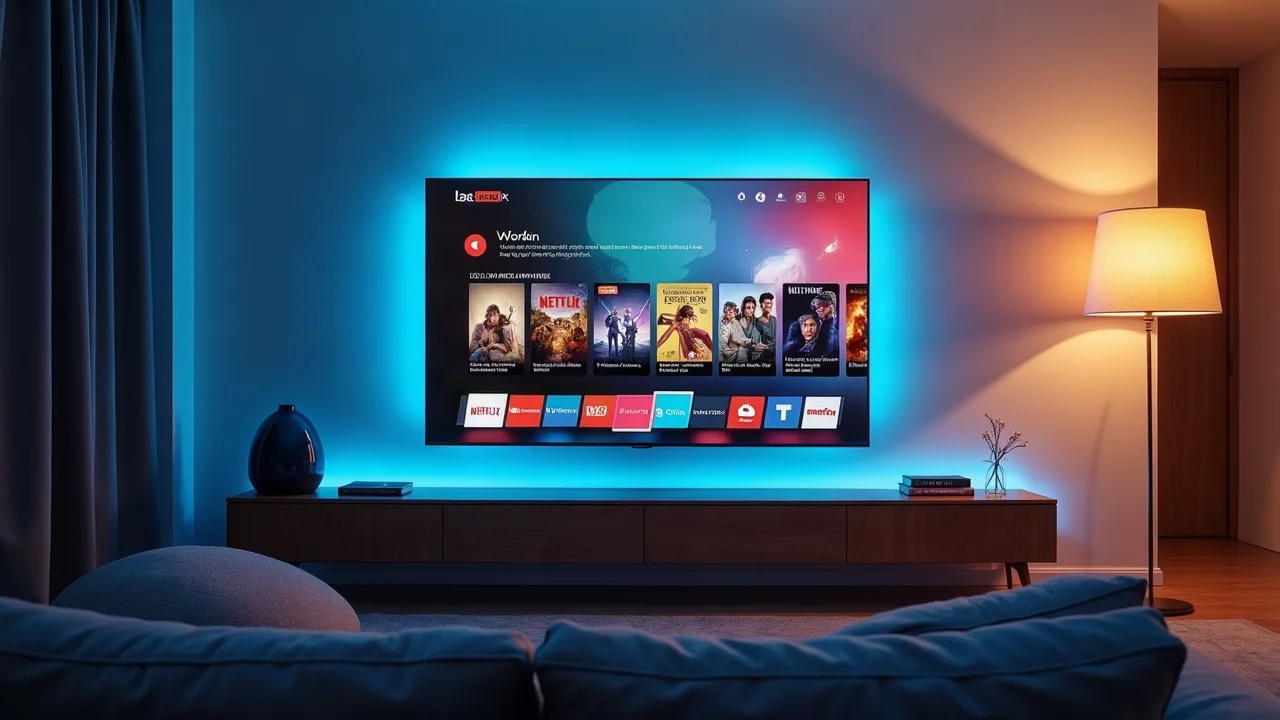
You can watch QwevoTv directly on a Samsung or LG Smart TV, without an extra box. Samsung (Tizen) and LG (webOS) do not allow apps from outside their store, so you use one of the IPTV players that are already listed there and link it to your QwevoTv subscription.
Step-by-step setup
Tips for a smooth picture on Samsung & LG Smart TV
Player apps have their own small fee
Smart TV players are made by independent developers. Most are free to test for a few days and then ask for a small one-time activation fee. That fee goes to the app developer, not to QwevoTv.
Use a cable if you can
A network cable from the router to the TV gives a steadier 4K picture than Wi-Fi, mainly on TVs that are far from the router.
Older TV without IPTV apps?
If your TV store has no IPTV player, plug a Fire TV Stick into an HDMI port and follow the QwevoTv Firestick guide. It costs little and is often faster than the TV itself.
Questions and answers
Does QwevoTv work on Sony, Philips or TCL TVs?
Yes. Those TVs normally run Android TV or Google TV, so follow the Android guide instead of this one.
Where do I find the MAC address of my TV?
The player app shows it on its start screen. You do not need the MAC address from the TV network settings.
Do I have to pay for the player app?
Most Smart TV players are free for a short test period and then charge a small one-time fee. It is paid to the app developer and is separate from your QwevoTv subscription.
Can I try QwevoTv on my Smart TV first?
Yes. Request the free 24-hour trial and link it to the player in the same way.
Try QwevoTv free for 24 hours
Test the channels, the picture quality and your own device before you choose a plan. No card needed for the trial.