
QwevoTv Setup Guides for Every Device
QwevoTv setup takes a few minutes: pick your device below for a step-by-step guide. Most setups are done in under five minutes.
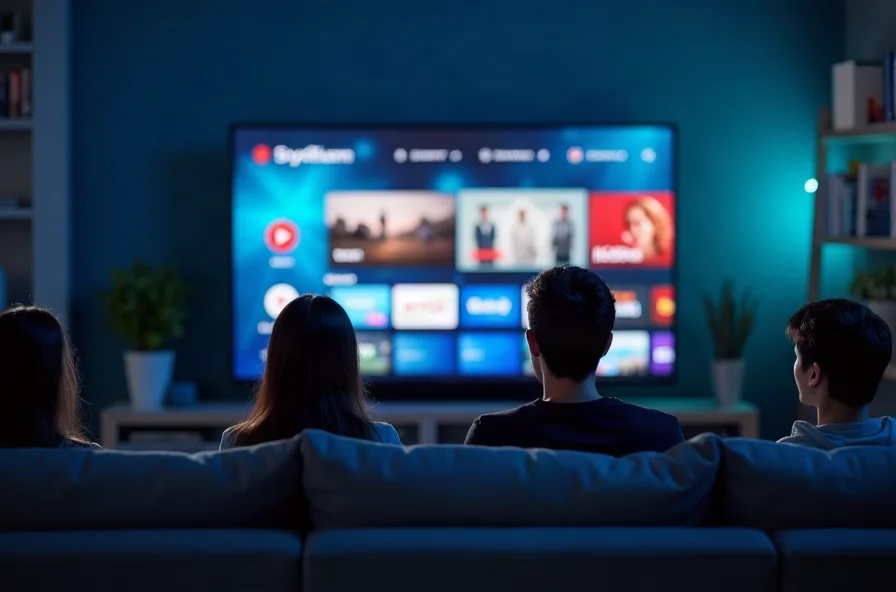
Choose your device
Firestick
QwevoTv works on every Amazon Fire TV Stick (Lite, 4K, 4K Max) and on the Fire TV Cube.
Samsung & LG Smart TV
You can watch QwevoTv directly on a Samsung or LG Smart TV, without an extra box.
Android & Android TV
Android is the easiest system for QwevoTv.
iPhone, iPad & Apple TV
QwevoTv runs on iPhone, iPad and Apple TV through IPTV players from the App Store.
MAG Box
A MAG box does not use a username and password.
Other devices
Apple TV
Install an IPTV player from the App Store on the Apple TV and sign in with your Xtream login. The steps match the iPhone and iPad guide.
Windows PC and Mac
Open your M3U link in VLC media player (Media, Open Network Stream), or install an IPTV player for desktop and use the Xtream login.
Formuler
Open the MyTVOnline app, add a portal with the URL from your email and restart the app. The idea is the same as on a MAG box.
Something not working?
Fix buffering & freezing
Buffering nearly always has one of three causes: a slow or unstable home connection, an overloaded device, or a player setting that does not suit your network.
Fix login errors
A login error almost never means your subscription is broken.
Playlist not loading
When the player opens but the channel list stays empty, the playlist was not downloaded.