QwevoTv Free Trial – 24 Hours
Test QwevoTv on your own device and your own internet connection before you pay anything. Full access for 24 hours, and no card needed.
- All live channels, movies and series
- HD and 4K quality
- Firestick, Smart TV, Android, iPhone and MAG
- No card, no automatic charge
Request your free trial
Login sent by email, usually within 5 to 15 minutes.
What you get in the QwevoTv free trial
Nothing is locked during the 24 hours.
Test before you pay
Watch a full evening of live TV, try a film, switch channels on your own remote. If it works the way you want, choose a plan and keep the same channel list.
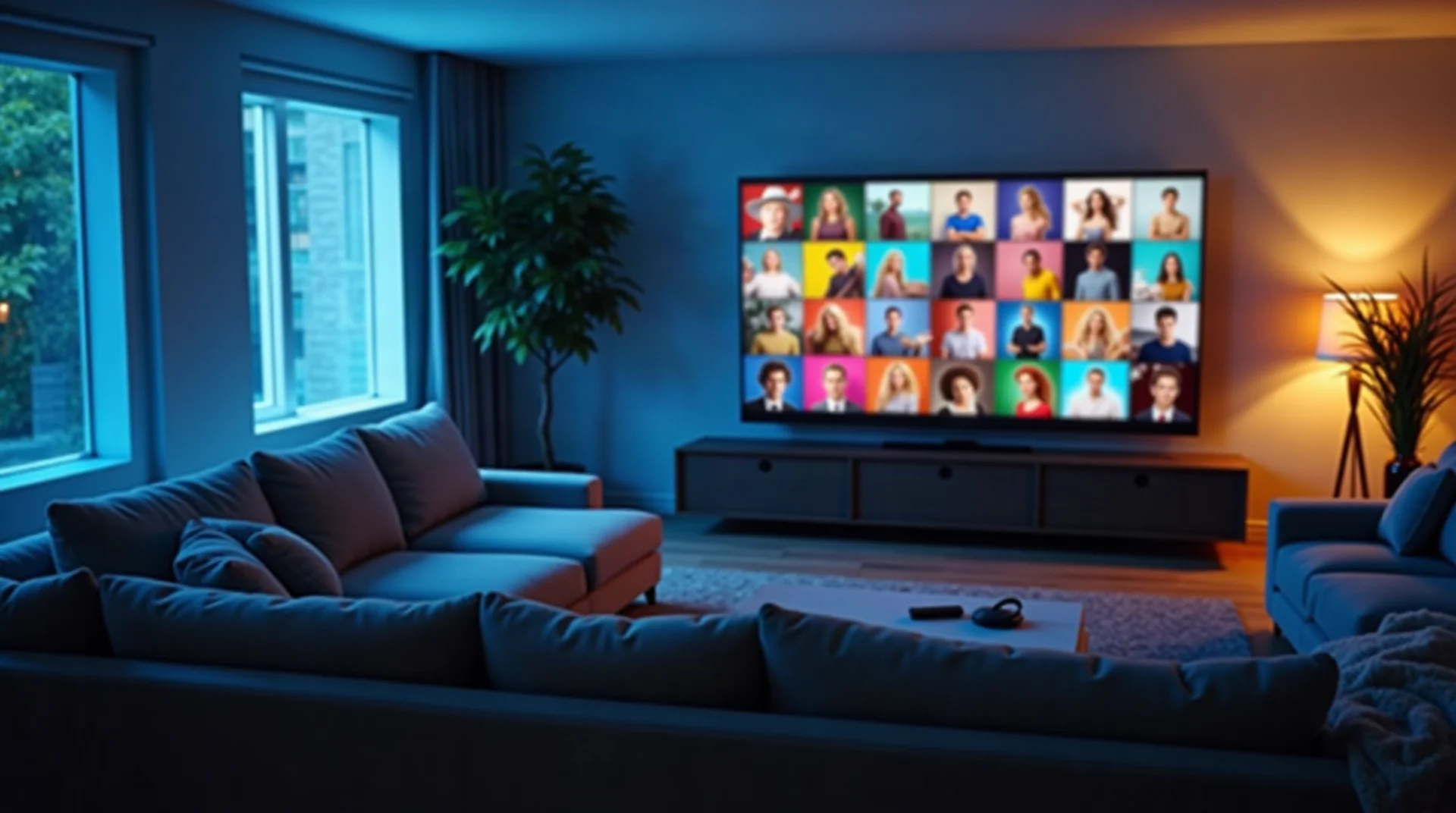
Every live channel
The trial opens the same QwevoTv channel list as a paid plan, sorted by category with the TV guide.
Movies and series
The full on-demand library is included, so you can test films and series too.
HD and 4K on your connection
You see the real picture quality on your own internet line, which is the most useful test.
Works on what you own
Firestick, Samsung or LG TV, Android, iPhone, iPad, Apple TV or MAG box.
From form to first channel
Four short steps. Most people are watching within 15 minutes.
Ready for your TV, phone and tablet
Choose your device for the installation steps. Most setups take under five minutes.
QwevoTv on Firestick
The steps in short
QwevoTv on Samsung & LG Smart TV
The steps in short
QwevoTv on Android & Android TV
The steps in short
QwevoTv on iPhone, iPad & Apple TV
The steps in short
QwevoTv on MAG Box
The steps in short
Free trial vs paid plan
The trial is the same service, only shorter.
| Free trial | Paid plan | |
|---|---|---|
| Length | 24 hours | 1 to 24 months |
| Live channels, movies & series | All included | All included |
| HD & 4K quality | Yes | Yes |
| Screens at the same time | 1 | 1 (more on request) |
| Price | Free, no card | From $14.95 |
| When it ends | Stops by itself | You decide whether to renew |
Frequently asked questions
What people ask before they start with QwevoTv.
Is the QwevoTv free trial really free?
Yes. You do not enter a card or any payment details. The trial ends by itself after 24 hours.
What do I get during the trial?
Full access: the same live channels, movies, series and picture quality as a paid plan.
How long until I receive the login?
Usually 5 to 15 minutes after you send the form. It is sent to the email address you entered.
Can I get a trial on a MAG box?
Yes. Choose "MAG Box / Formuler" in the form and enter the MAC address of your box. See the MAG box guide.
What happens when the trial ends?
The login stops working. If you liked it, choose a QwevoTv plan and you keep the same channel list.
The login does not work. What now?
Check the username, password and server URL character by character. The login error guide lists every fix.
Can I ask for a second trial?
The trial is limited to one per person, so that the service stays fast for paying customers.
Already sure about QwevoTv?
Skip the trial and choose a plan. Every plan has a 7-day refund.