How to Install QwevoTv on Amazon Firestick
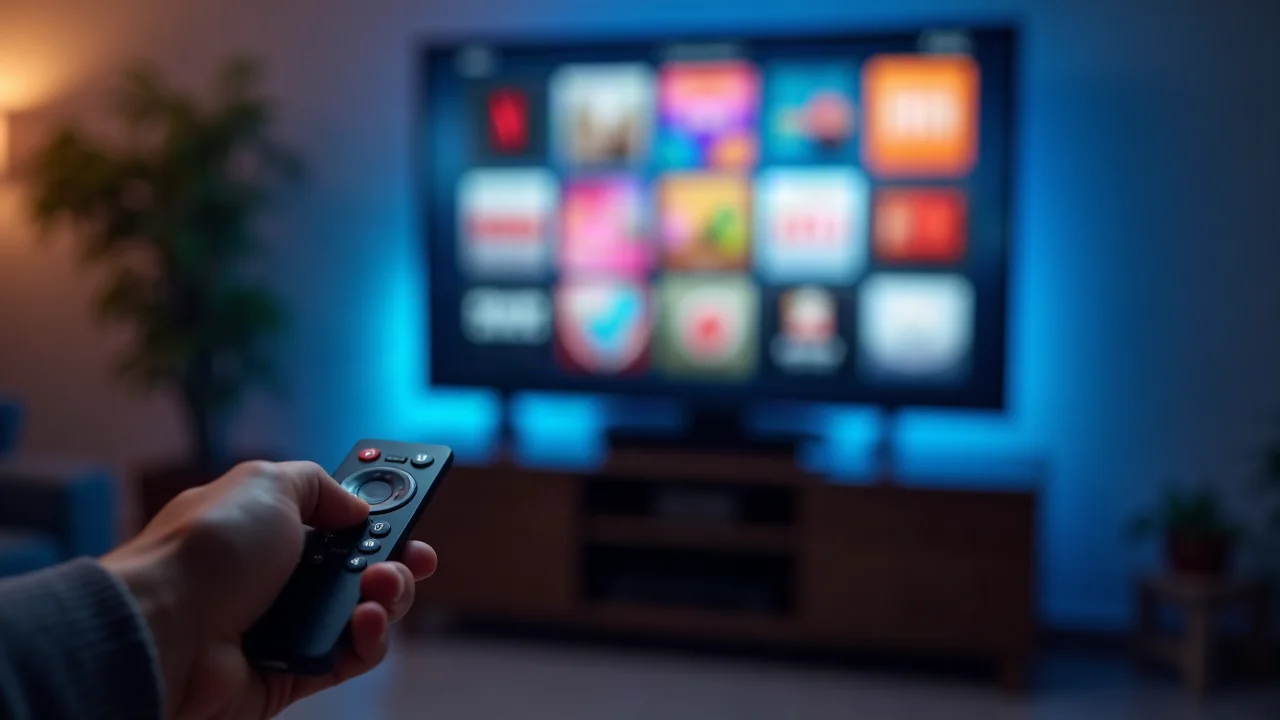
QwevoTv works on every Amazon Fire TV Stick (Lite, 4K, 4K Max) and on the Fire TV Cube. You install a player app, sign in with the login details from your activation email, and your channels load in a few seconds. The whole setup takes about five minutes and you only do it once.
Step-by-step setup
Questions and answers
Which Firestick models work with QwevoTv?
All current models: Fire TV Stick Lite, Fire TV Stick, 4K, 4K Max and the Fire TV Cube. Older first-generation sticks work too, but menus are slower.
Is there an official QwevoTv app in the Amazon Appstore?
No. QwevoTv works through standard IPTV player apps, so you choose the player you like and sign in with your QwevoTv login.
Can I test QwevoTv on my Firestick before I pay?
Yes. Ask for the free 24-hour trial and set it up exactly as described on this page. The trial uses the same apps and the same steps.
The picture freezes on my Firestick. What should I do?
Restart the stick, switch to 5 GHz Wi-Fi and clear the cache of the player app. The buffering guide lists every step in order.
Tips for a smooth picture on Firestick
Use the 5 GHz Wi-Fi band
The Firestick is usually plugged in behind the TV, where Wi-Fi is weakest. Connect it to the 5 GHz network of your router, or use the Amazon Ethernet adapter for the most stable 4K stream.
Keep some storage free
A Firestick with less than 500 MB free becomes slow. Remove apps you do not use in Settings, Applications, Manage installed applications.
One stream per connection
Each connection in your plan plays on one screen at a time. If a second TV starts the same login, the first one stops. Add connections on the QwevoTv pricing page.
Try QwevoTv free for 24 hours
Test the channels, the picture quality and your own device before you choose a plan. No card needed for the trial.